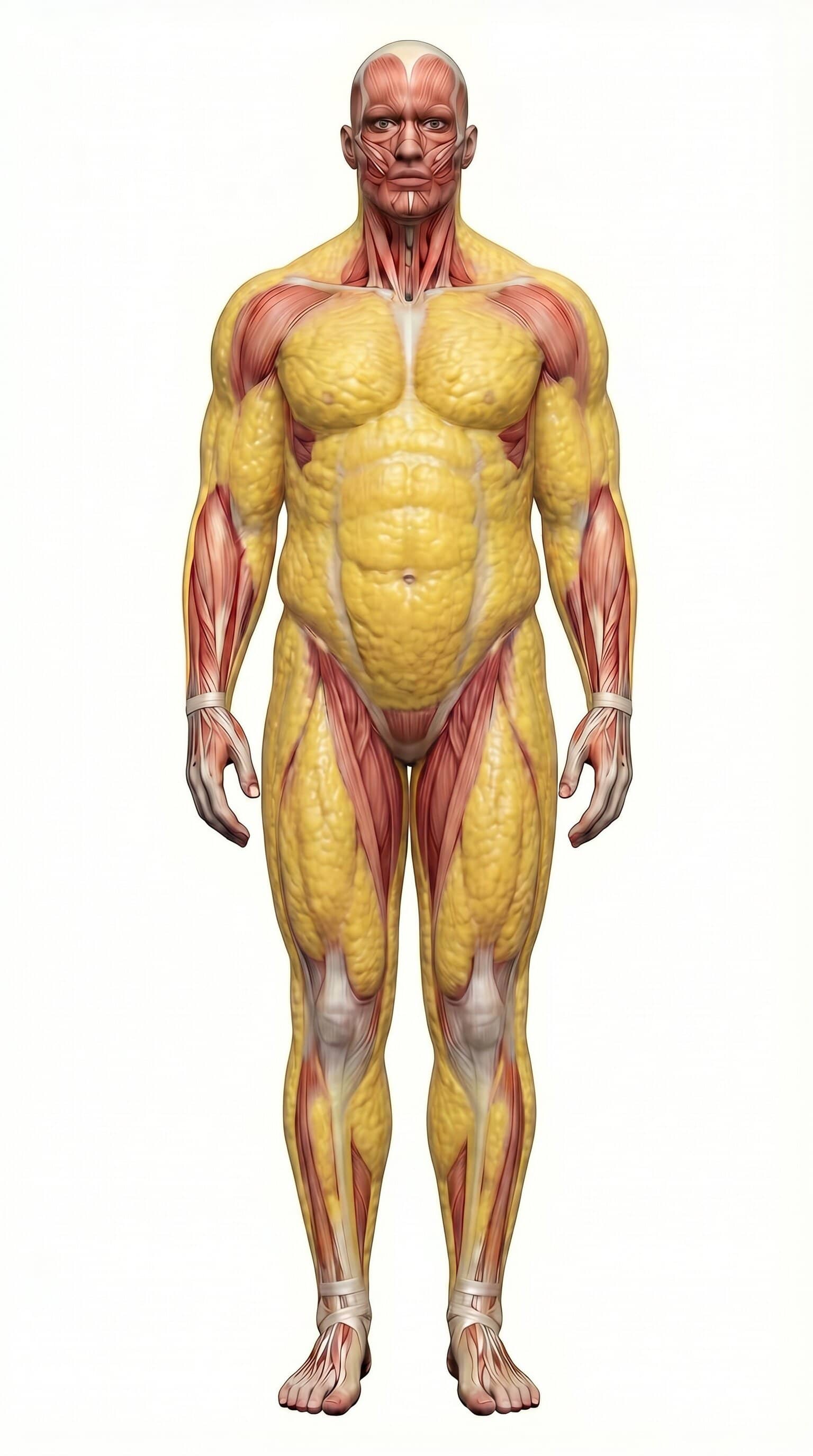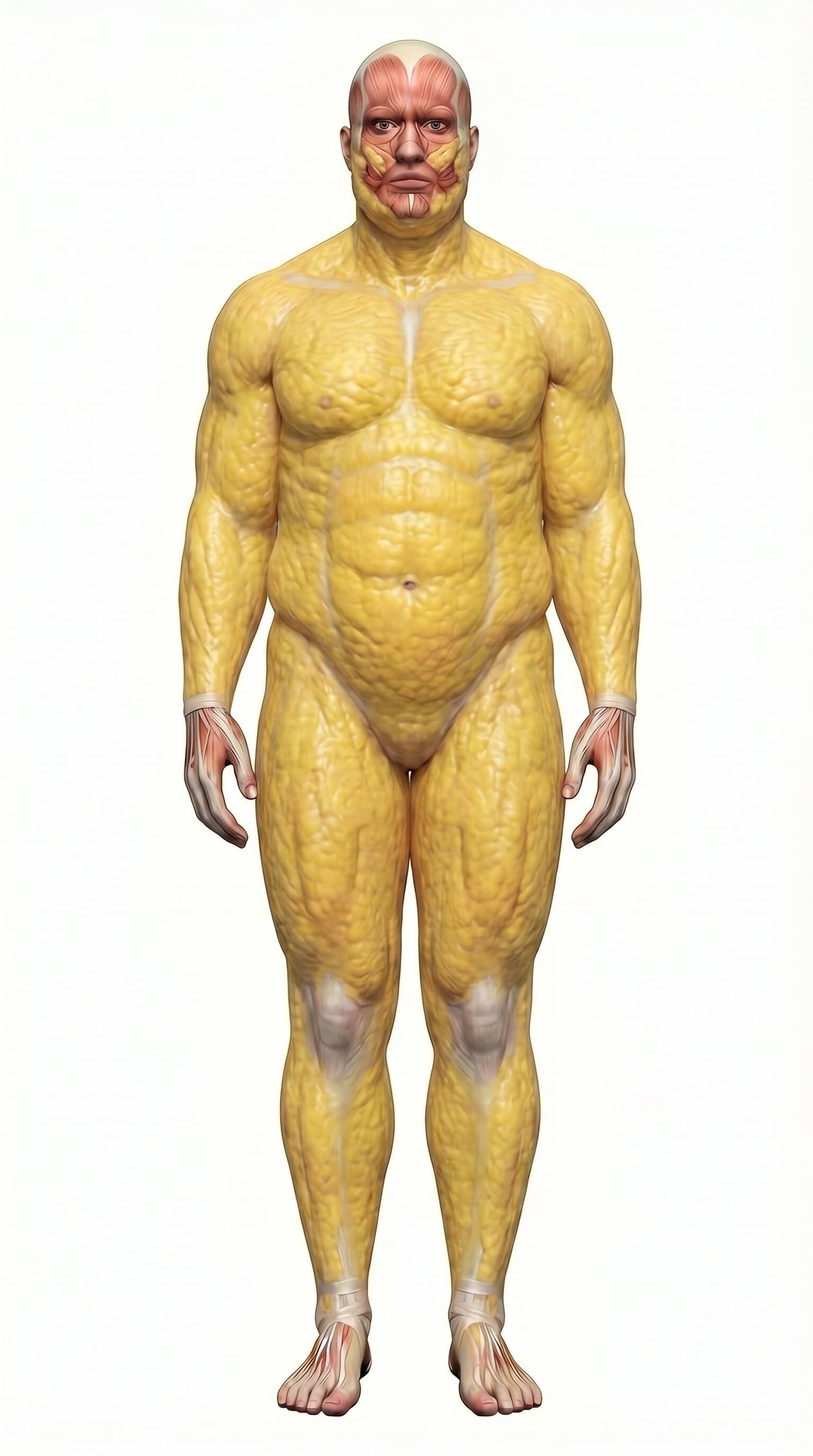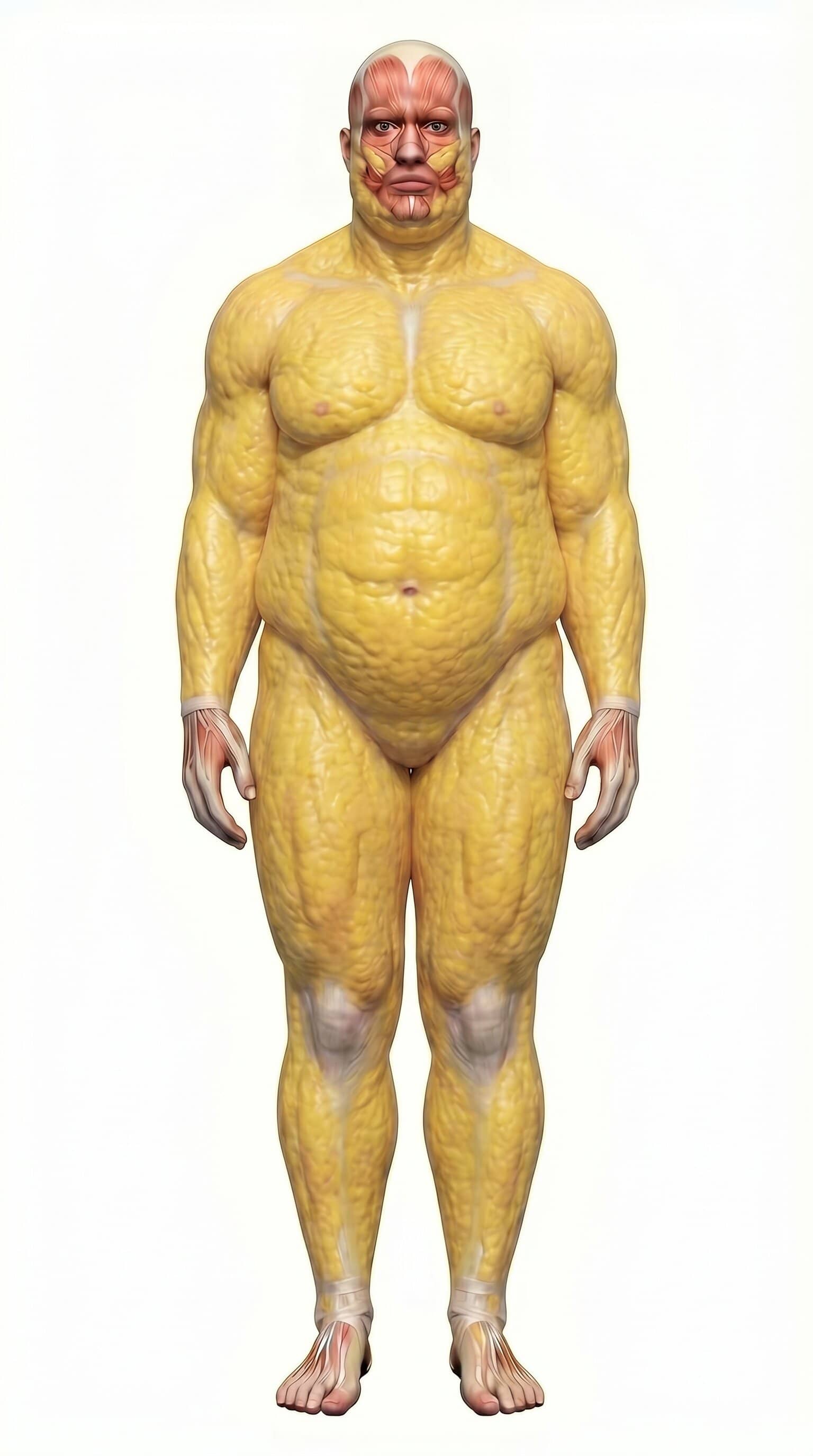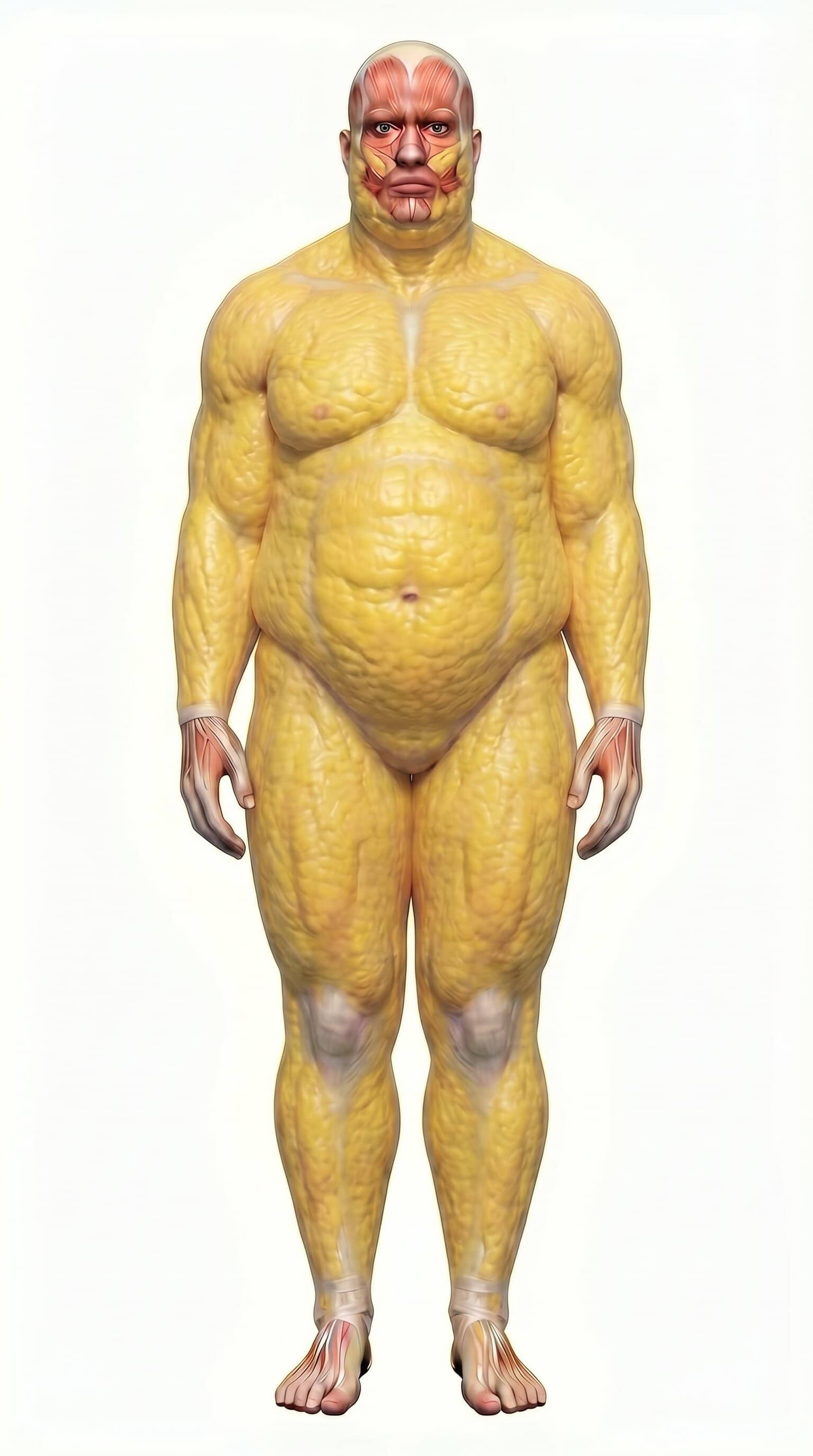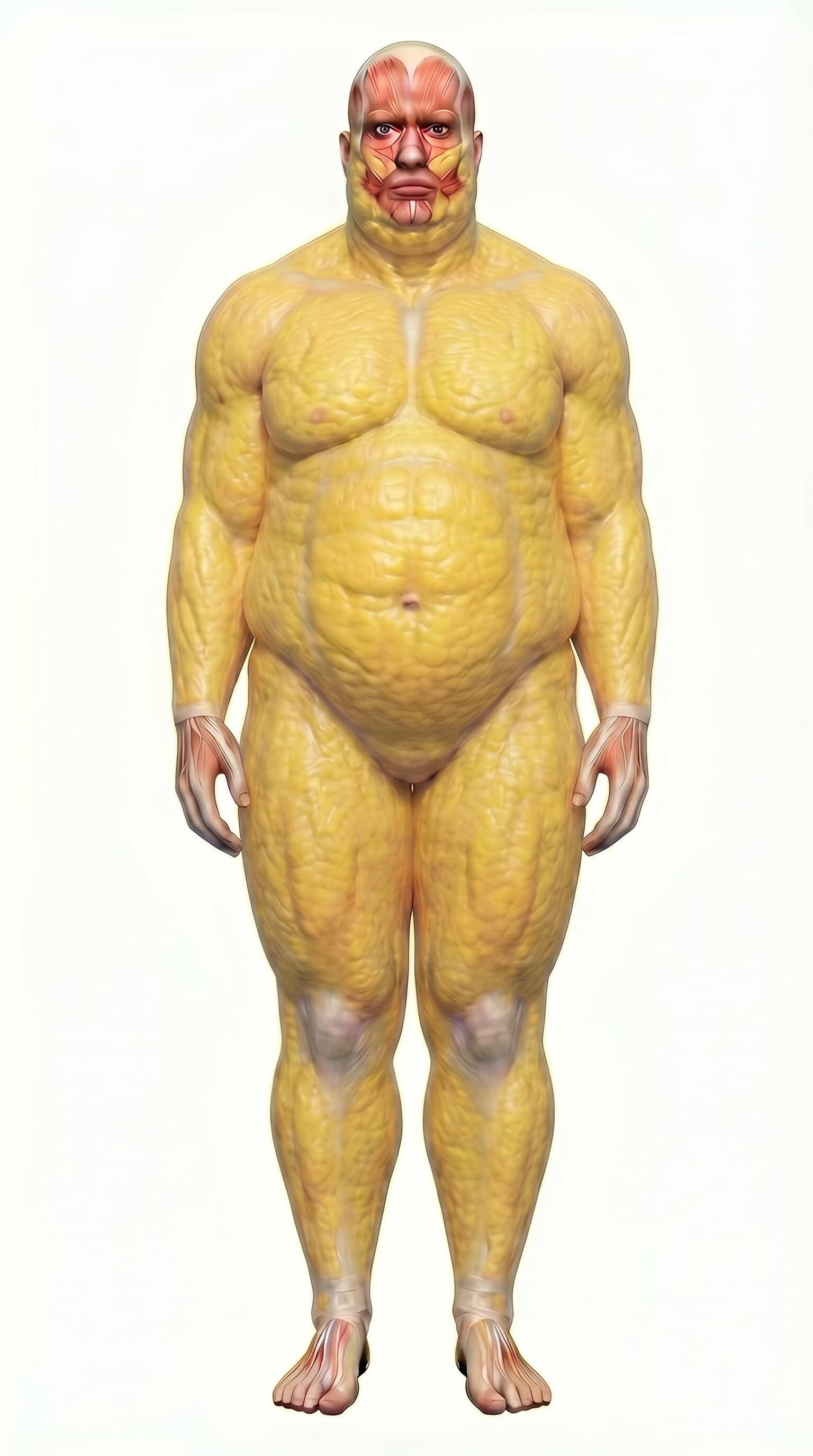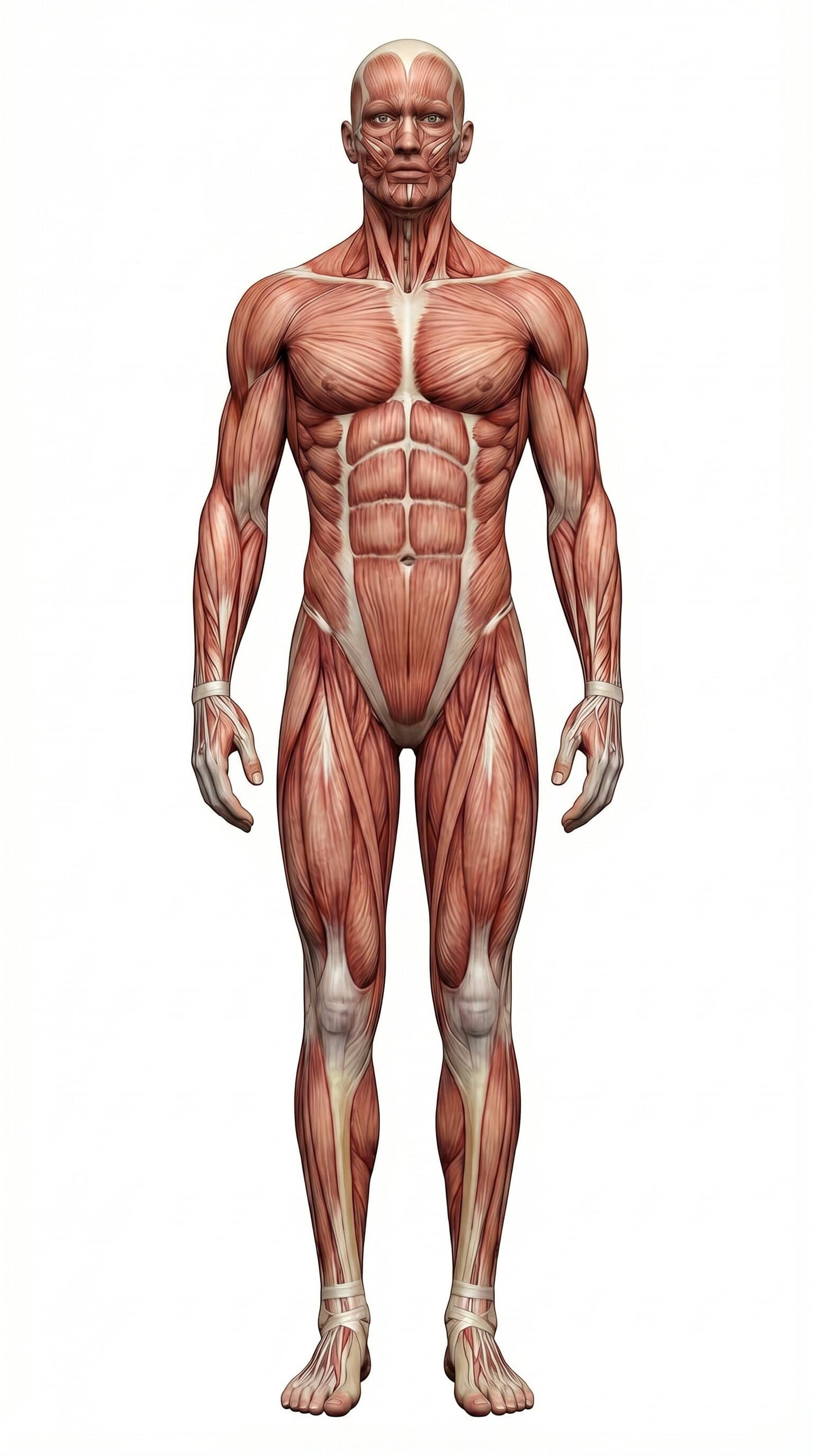
Body Visualizer

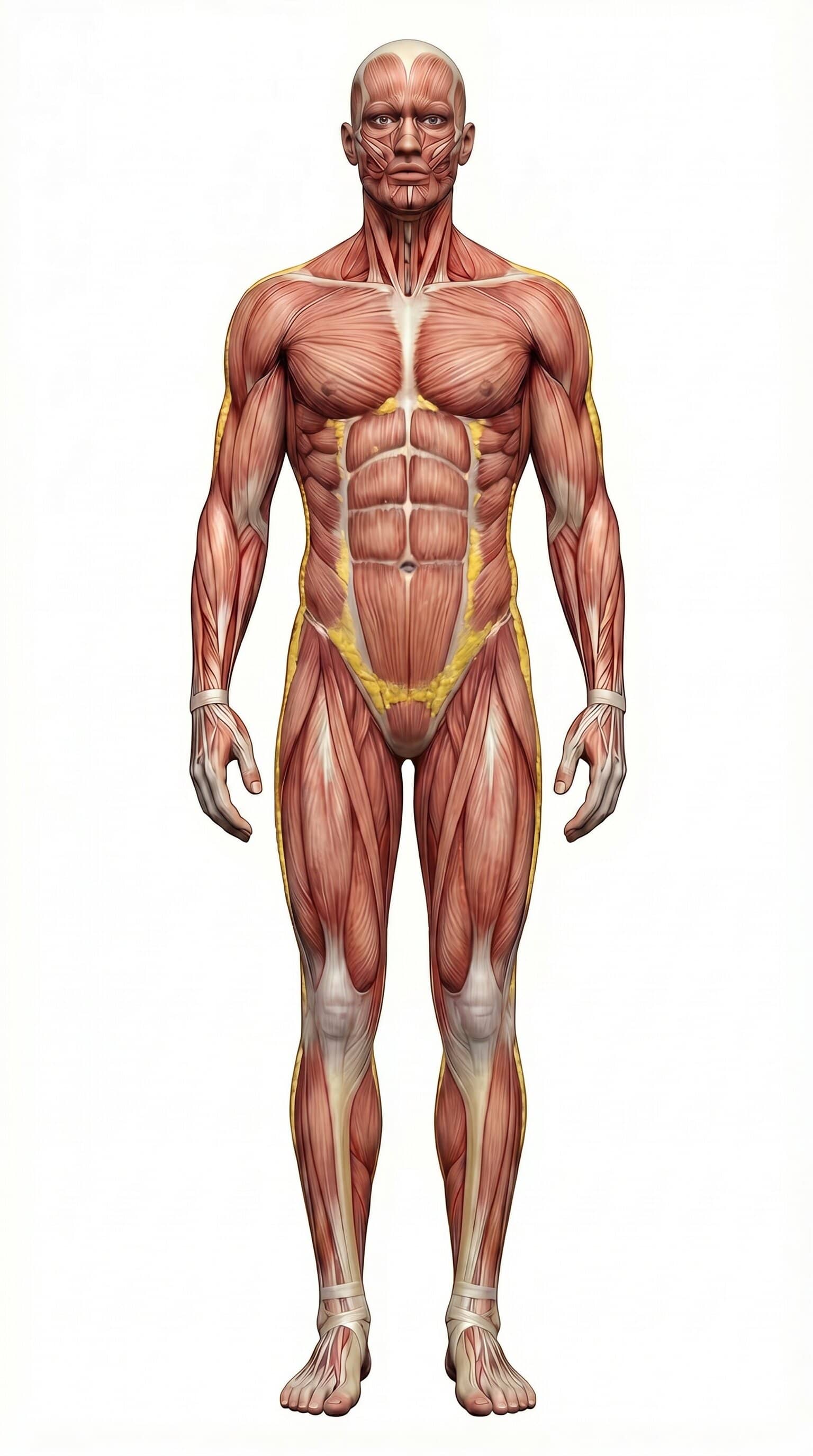
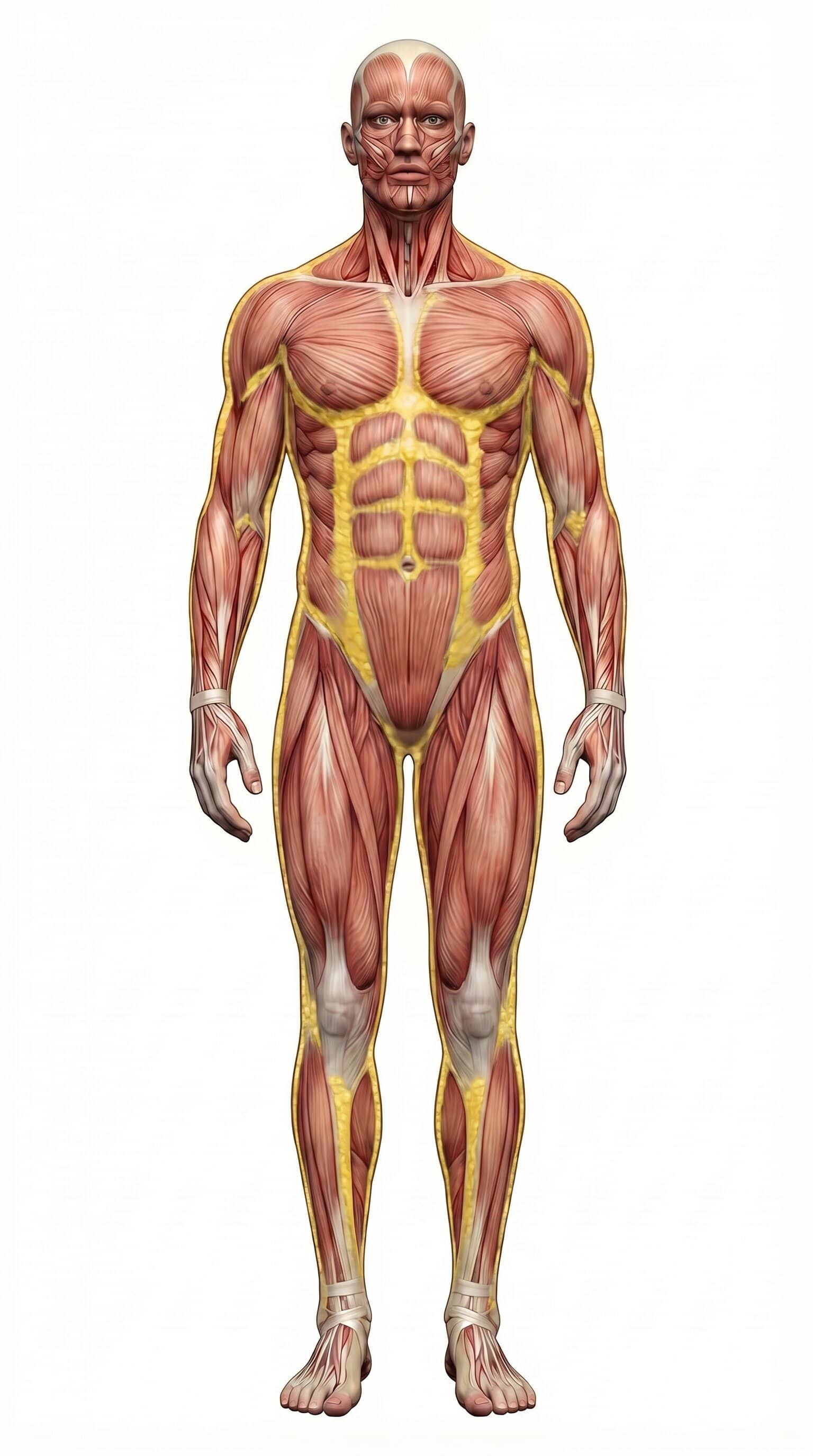
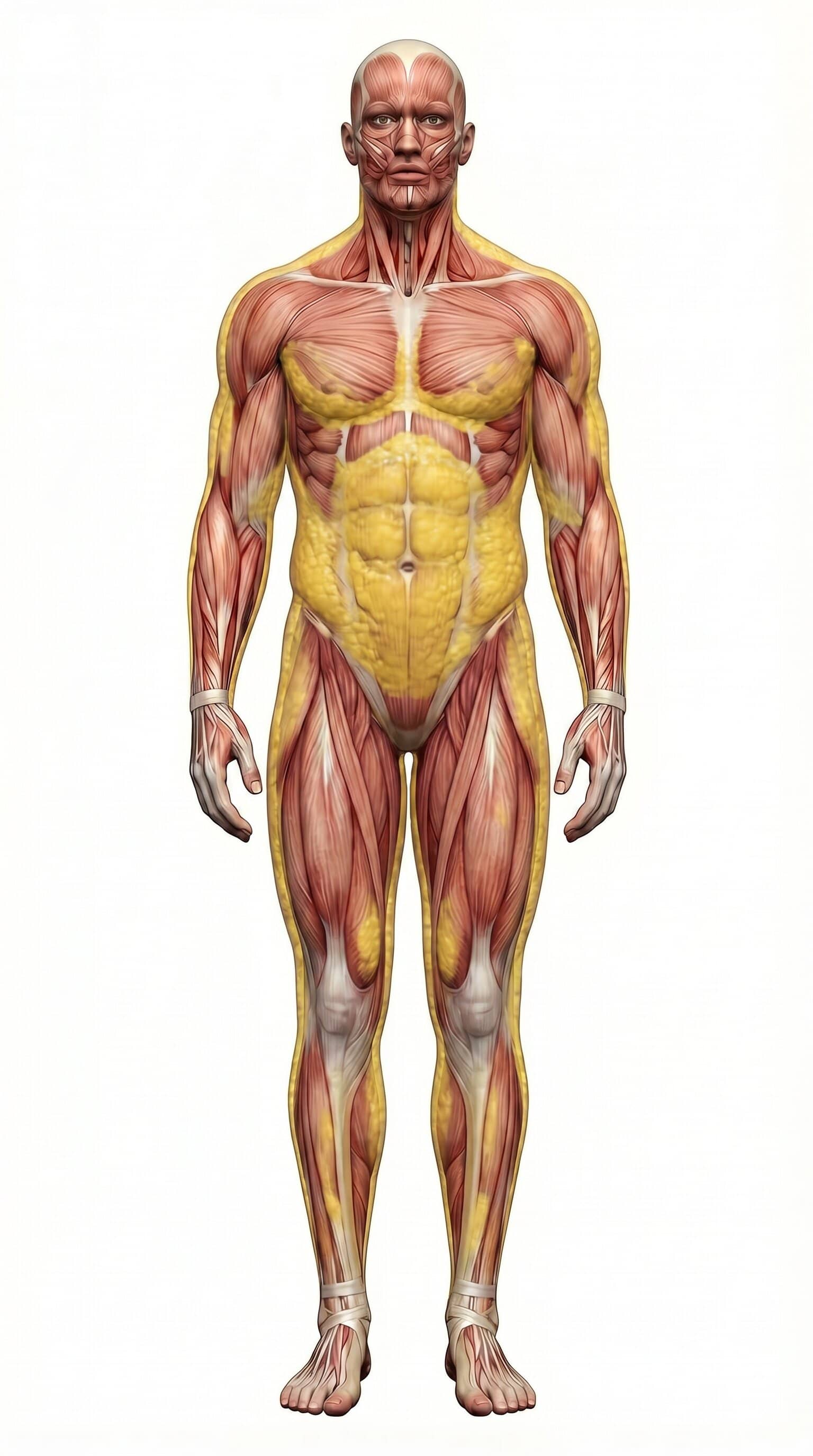
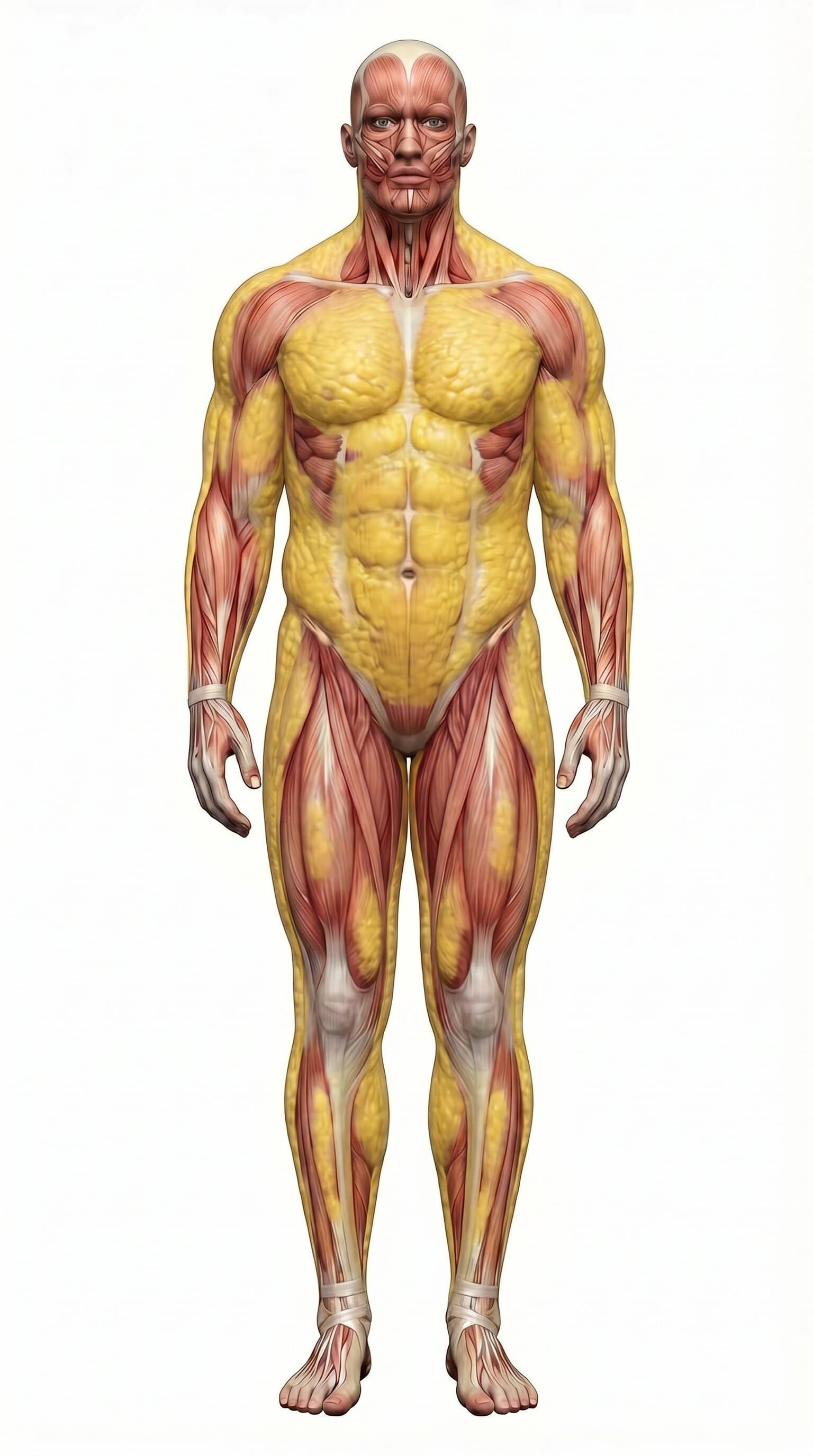
Explore how body shape changes as you adjust body fat %, BMI, height, and weight.

Drag on the body to rotate 360°

Model: legacy fallback (MPFB files not detected yet)

ImperialMetric

Slider Sync

Linked mode keeps BMI and body-fat sliders synchronized. Independent mode lets each slider move on its own.

Body Fat %

18%

Don’t know? Estimate Body Fat %

BMI

24.6

Height

5' 10"

Weight

172 lb

Results Snapshot

BMI

24.6

Normal

Body Fat

18%

Average

Fat Mass

31 lb

Lean Mass

141 lb

FFMI

20.2

Fat-free mass index

Est. Waist

32.3 in

Derived from body-fat and BMI

Healthy BMI Weight

129-174 lb

BMI 18.5-24.9 range

Current Weight

172 lb

178 cm

Tip: keep one setup (same lighting, same pose, same time of day) and compare changes every 2-4 weeks. Pair this with the Body Fat Estimator for photo-based tracking and usethis tracking guide to reduce noise.

How this Body Visualizer works

This tool combines a dynamic body render with body-composition math so your visual and numeric outputs update together. You can control body fat %, BMI, height, and weight directly. The figure changes immediately using a consistent shape model, which makes comparison easier across check-ins.

The result is a practical visualization model, not a medical scan. It is most useful for calibration and trend tracking over time.

How to use the sliders together

You can run the tool in Linked or Independent mode. Linked mode syncs BMI and body fat using a consistent prediction model for faster scenario testing, while Independent mode lets each slider move on its own.

For real-world tracking, keep setup consistent and compare trends every 2 to 4 weeks. If you want photo-based validation, pair this page with the Body Fat Estimator.

Formulas and data used

Core calculations shown in the results section:

  • BMI: weight (kg) / height (m)^2 (compare with the BMI Calculator)
  • Fat mass: weight x body fat %
  • Lean mass: weight x (1 - body fat %) (compare with the Lean Body Mass Calculator)
  • FFMI: lean mass (kg) / height (m)^2
  • BRI: roundness from waist-height geometry (compare with the BRI Calculator)
  • BAI: adiposity estimate from hip and height (compare with the BAI Calculator)
  • Body fat and BMI sync: Deurenberg-style age/sex-adjusted BMI equation

The silhouette render uses these values as directional drivers (fatness, frame size, and muscularity bias) to provide a stable, interpretable visual model across slider changes.

Best use cases and limitations

Best use case: compare hypothetical scenarios, set realistic expectations, and communicate progress direction. This is especially useful when scale weight alone is noisy.

Limitation: no visualizer can exactly match your individual fat distribution, posture, lighting, or muscle insertions. Use this as a range-and-trend tool, then cross-check with repeated photos and consistent measurements.

For scale-target planning and timeline estimates, pair this page with the Weight Loss Calculator and Weight Loss Percentage Calculator.

BMI Visualizer vs Weight Visualizer: what is the difference?

People often search for a BMI visualizer or a weight visualizer as if they are separate tools. In practice, they answer different parts of the same question:

  • BMI visualizer: compares weight relative to height.
  • Weight visualizer: focuses on total body mass changes over time.
  • Body-fat visualizer: shows how that mass is split between fat and lean tissue.

If you want a deeper comparison of BMI versus composition-based tracking, see BMI vs Body Fat.

How to interpret height, weight, and body-fat outputs

Use the table below to read each result quickly and avoid over-focusing on one number.

MetricQuestion it answersWhy it matters
HeightHow large is the frame?Height affects how weight and fat distribution appear. The same weight can look very different at different heights.
WeightHow much total mass is on the frame?Weight alone is incomplete, but it anchors all composition outputs (fat mass, lean mass, BMI, FFMI).
BMIWhere is weight relative to height?BMI is a quick screening metric. It helps compare scenarios but does not distinguish fat from muscle.
Body Fat %How much of total weight is fat?Body-fat percentage is more appearance-relevant than BMI for physique tracking.
Fat MassHow much fat mass is present in absolute terms?Fat mass is practical for goal setting because it gives a concrete kg/lb value instead of only a percentage.
Lean MassHow much non-fat mass is present?Lean mass helps separate fat loss from muscle loss and adds context when scale weight changes.

Practical rule: when BMI and visual appearance conflict, check body-fat % plus fat mass and lean mass before drawing conclusions.

Body Visualizer FAQ

Common questions about body visualization, BMI, height, weight, and body-fat mass.

What is a BMI visualizer?

A BMI visualizer maps height and weight to a body-shape model so you can see how BMI changes may look, while still showing the numeric BMI result.

How is a weight visualizer different from a BMI visualizer?

A weight visualizer focuses on scale-weight changes at a given height, while a BMI visualizer translates height and weight into BMI categories. This tool combines both views so you can see shape and metrics together.

Why can two people with the same BMI look very different?

BMI uses only height and weight. It does not measure fat distribution, muscle mass, frame size, posture, or water retention, so two people can share the same BMI but look very different.

What happens if I increase height while keeping weight the same?

BMI drops because the same mass is spread over a taller frame. The visual model usually appears leaner at the same weight when height is increased.

Is body-fat mass the same as body-fat percentage?

No. Body-fat percentage is the share of your total weight that is fat. Fat mass is the absolute amount of fat in kg or lb: body weight x body-fat percentage.

How accurate is a body visualizer?

It is best used as a directional planning and tracking tool, not a diagnosis. Visualizers are useful for trend comparisons and scenario testing but cannot replicate each person's exact anatomy.

Should I trust BMI or body-fat percentage for physique tracking?

For physique changes, body-fat percentage and lean-mass context are usually more informative than BMI alone. BMI is still useful as a screening metric.

How should I use this tool week to week?

Use consistent assumptions and compare changes every 2 to 4 weeks. Pair this visualizer with repeated photos and waist measurements to reduce noise.

For more visual context, review body-fat percentage look examples and why two people at the same body-fat % can look different.

References